Learn paid parking automation systems step by step: tariff definition, payment kiosk, receipt, shift report and LPR integration.
Commercial parking operations go beyond opening and closing barriers. Correct tariff calculation, payment collection, receipt management, shift reporting and occupancy tracking are required. Manual systems offer poor user experience and revenue loss. This guide covers the paid parking automation system end to end.
What Is a Paid Parking Automation System?
Paid parking automation is an integrated system that automatically tracks vehicle entry/exit, calculates fees by duration, collects payment and generates reports. Core components:
1. Entry/exit LPR cameras 2. AI software (plate reading + tariff calculation) 3. Payment kiosk or payment point 4. Fiscal printer / POS integration 5. LED information panel 6. Barrier + loop detector
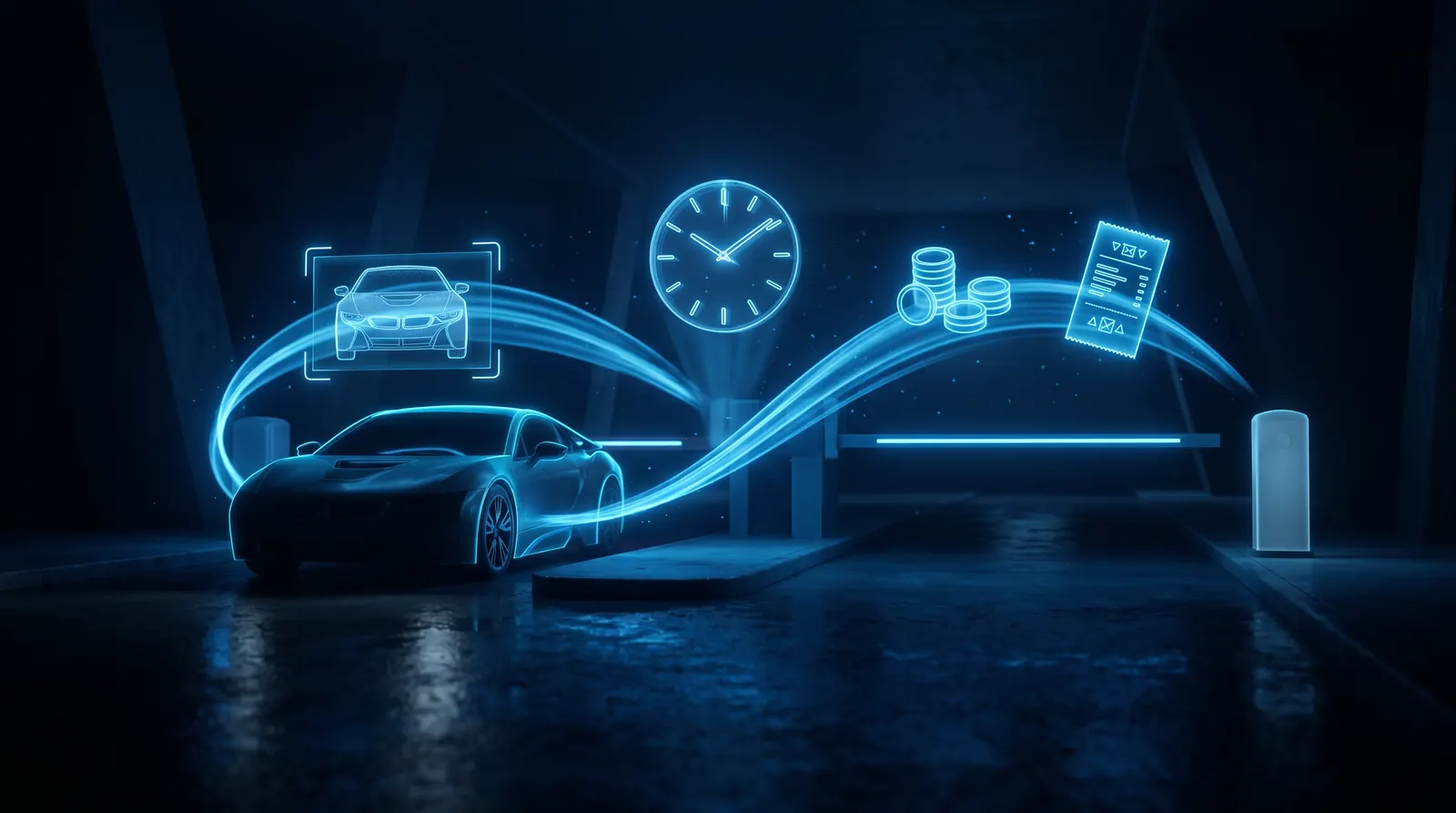
In modern LPR-based systems, when a vehicle enters, the plate and time are recorded; at exit, the duration is calculated, the fee is collected, and the barrier opens. No manual intervention is required at any step.
How the Tariff System Works
Tariff Definition
Modern parking software supports flexible tariff structures:
- Hourly tariff: First hour X, each subsequent hour Y.
- Tiered tariff: 0-1 hour 50, 1-3 hours 100, 3-6 hours 150, 6+ hours 200.
- Daily tariff: Daily rate above 24 hours.
- Weekday/weekend difference: Friday-Saturday different tariff.
- Special event tariff: Different fee on concert/match days.
- By vehicle type: Separate tariff for car, van, truck, motorcycle.
- Subscription tariff: Special fee for monthly/yearly subscribers.
A good system can combine tariffs; e.g., "weekend + tiered + by vehicle type" applied simultaneously.
Fee Calculation Flow
1. At entry, plate + timestamp recorded. 2. At exit, plate read, entry-exit duration calculated. 3. Tariff engine calculates fee based on duration + tariff + vehicle type + day type. 4. LED panel shows plate + duration + fee. 5. After payment, barrier opens.
Payment Methods
Payment Kiosk (Self-Service)
The vehicle owner goes to the kiosk before exit and enters the plate. The system shows the fee; pays by cash or card. Receipt/invoice printed. Then the exit barrier opens automatically.
Advantage: Reduces operator cost; offers 24/7 service.
Operator Payment at Exit
An operator at exit collects the fee. POS or cash. The software records payment type and amount.
Mobile Payment / App
In some modern systems, the vehicle owner enters the plate in a mobile app and pays. At exit, LPR opens the barrier if paid.
Subscription / Prepaid
For monthly subscribers, LPR is enough; no payment at each exit. Warning given when subscription expires.
Receipt, Invoice and Fiscal Printer
In many countries, fiscal printers are mandatory for paid parking. The system works:
1. On payment, the software sends a command to the printer. 2. The printer issues a fiscal receipt. 3. The system also prints an information slip (plate, duration, fee, payment type). 4. Both receipts given to the vehicle owner.
Integration with common fiscal printer brands is a standard in modern parking software.
Shift Report and Revenue Tracking
Shift Report
Each operator gets a report of collections during their shift:
- Total vehicle count
- Total revenue (cash/card/subscription split)
- Cancellations/refunds
- Debt exits
- Free passes (authorized vehicles)
During shift handover, this report is printed; compared with cash count.
Daily/Monthly/Annual Report
- Daily revenue
- Occupancy rate (average vehicle count, peak hours)
- Revenue distribution by tariff
- Most frequent plates (subscriber potential)
These reports are critical for parking operator decisions: tariff adjustment, capacity planning, staffing.
Debt Exit and Debt Tracking
If a vehicle owner exits without paying (e.g., tailgating the barrier), the system records debt for that plate. On the next entry, the system shows the previous debt; entry is blocked until payment is made.
A good system keeps a list and history of debt plates.
Occupancy and Guidance
Occupancy Tracking
Through entry and exit cameras, the real-time vehicle count in the parking is known. This number is used:
- For "Parking full" warning at entry barrier
- For guidance signs (empty space count)
- For business reports (peak hours)
Guidance Systems
In large parkings, separate occupancy counts per floor or block. LED signs direct drivers to empty floors. LPR + occupancy sensors work together.
Installation Components
- Entry camera + barrier — Vehicle entry, plate recording
- Exit camera + barrier — Vehicle exit, fee control
- Payment kiosk — Self-service payment
- Operator computer — Manual payment, reporting
- Fiscal printer — Receipt printing
- LED panels — Plate/duration/fee display
- Loop detector + photocell — Safe barrier closing
- AI software (PlakaNet) — Plate reading + tariff + reports
FAQ
How do I change tariffs?
From the software panel, you can edit tariff definitions. Changes can take effect immediately or from a specific date.
Is a fiscal printer mandatory?
In many countries for paid parking, yes. Your software must have fiscal printer integration.
What happens to a vehicle that exits without paying?
Debt is recorded for the plate. On next entry, the debt is shown; entry blocked until paid.
How is subscription managed?
Subscriber plates are defined via LPR. Subscribers don't pay at each exit; warning given when the period expires.
How is shift handover done?
The operator prints the shift report, counts cash, closes the shift in the system. The new operator logs in with their username.
What happens during internet outage?
With offline systems, barrier and payment continue; data is stored locally. Synchronization occurs when internet returns (if applicable).
Conclusion
Paid parking automation with the right tariff + payment + reporting + LPR improves user experience and prevents revenue loss. When choosing, check flexible tariff, fiscal printer integration, shift report, debt tracking and offline operation.
PlakaNet is an LPR system offering flexible tariff, fiscal printer integration, shift report and offline operation in paid parking mode. Try it free for 7 days or request a setup-included system quote.
Related solution: Parking Lot Plate Recognition & Automation System