Learn LPR setup with Hikvision, Dahua, Axis and other IP cameras. Camera selection, ONVIF compatibility, positioning and integration tips.
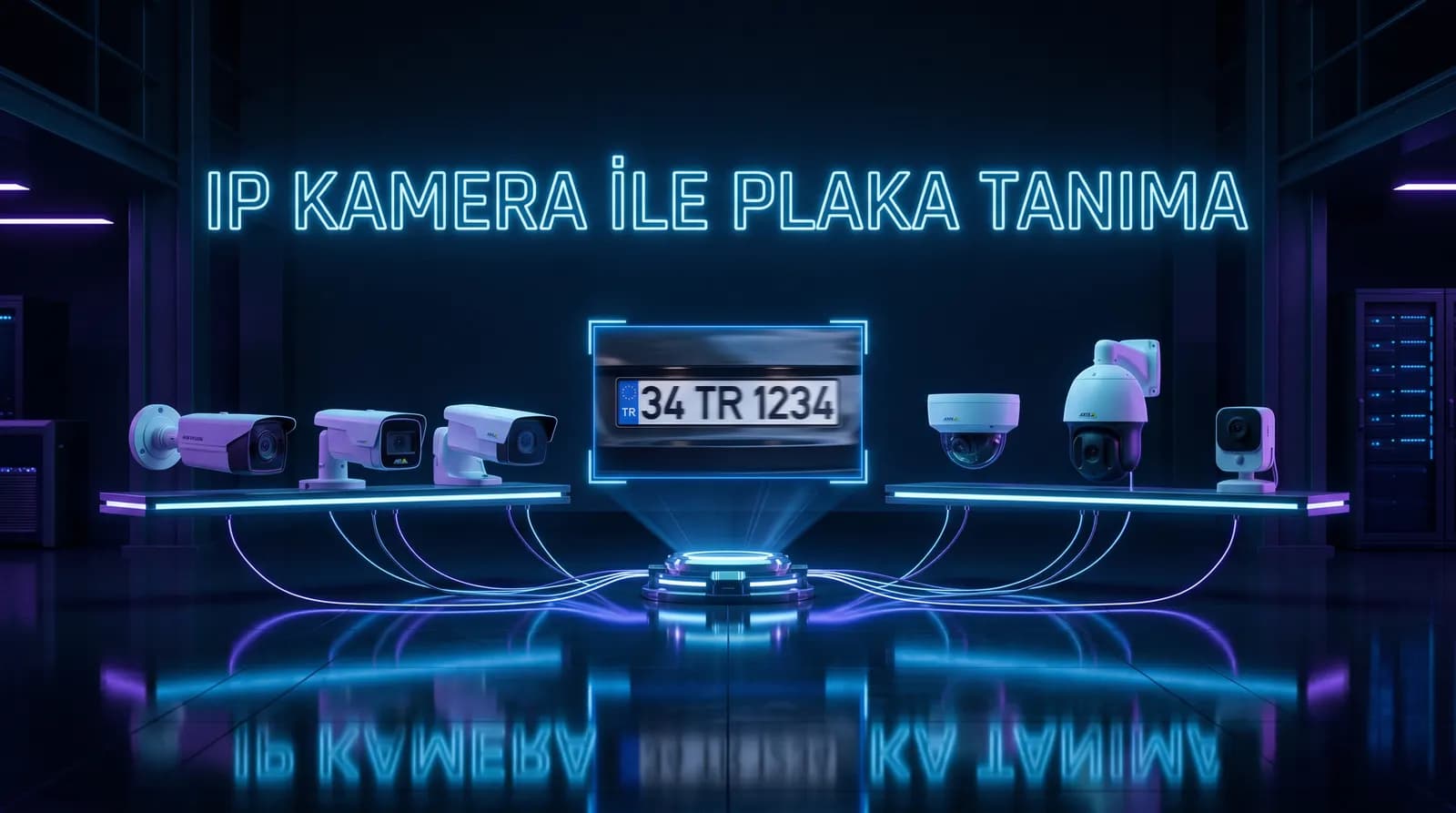
The heart of an LPR system is the camera. Without the right camera, even the most advanced AI software can't deliver high accuracy. This guide covers LPR setup with IP cameras, which brands/models are compatible, camera positioning rules and integration details.
Camera Selection for LPR
Not every IP camera suits LPR. Trying to read plates with a standard security camera causes low accuracy and night issues. An LPR camera should have:
Resolution
At least 2 MP (1920×1080) recommended. Plate characters must be readable; low resolution causes OCR errors. 4 MP or higher is preferred for long-range setups (parking entrances, multi-lane roads).
Night Vision (IR LED)
LPR runs 24/7; night vision is essential. IR LED cameras illuminate the plate in darkness. However, standard IR can cause overexposure on reflective plate surfaces. Choose cameras with Smart IR or adjustable IR intensity.
WDR (Wide Dynamic Range)
Critical for sun-facing or shadow/light transition setups. WDR balances bright and dark areas; plates remain readable in shade. At least 120 dB WDR recommended.
Shutter Speed
Vehicles move; low shutter speed causes motion blur. For LPR, shutter should be 1/500 to 1/1000 sec. Must be balanced with night IR.
Lens & Focus
- Motorized lens: Remote focus adjustment simplifies field installation.
- Focal length: 2.8-12mm (close) or 5-50mm (far) depending on plate distance.
- Field of view: Narrow angle that fully frames the plate is ideal.
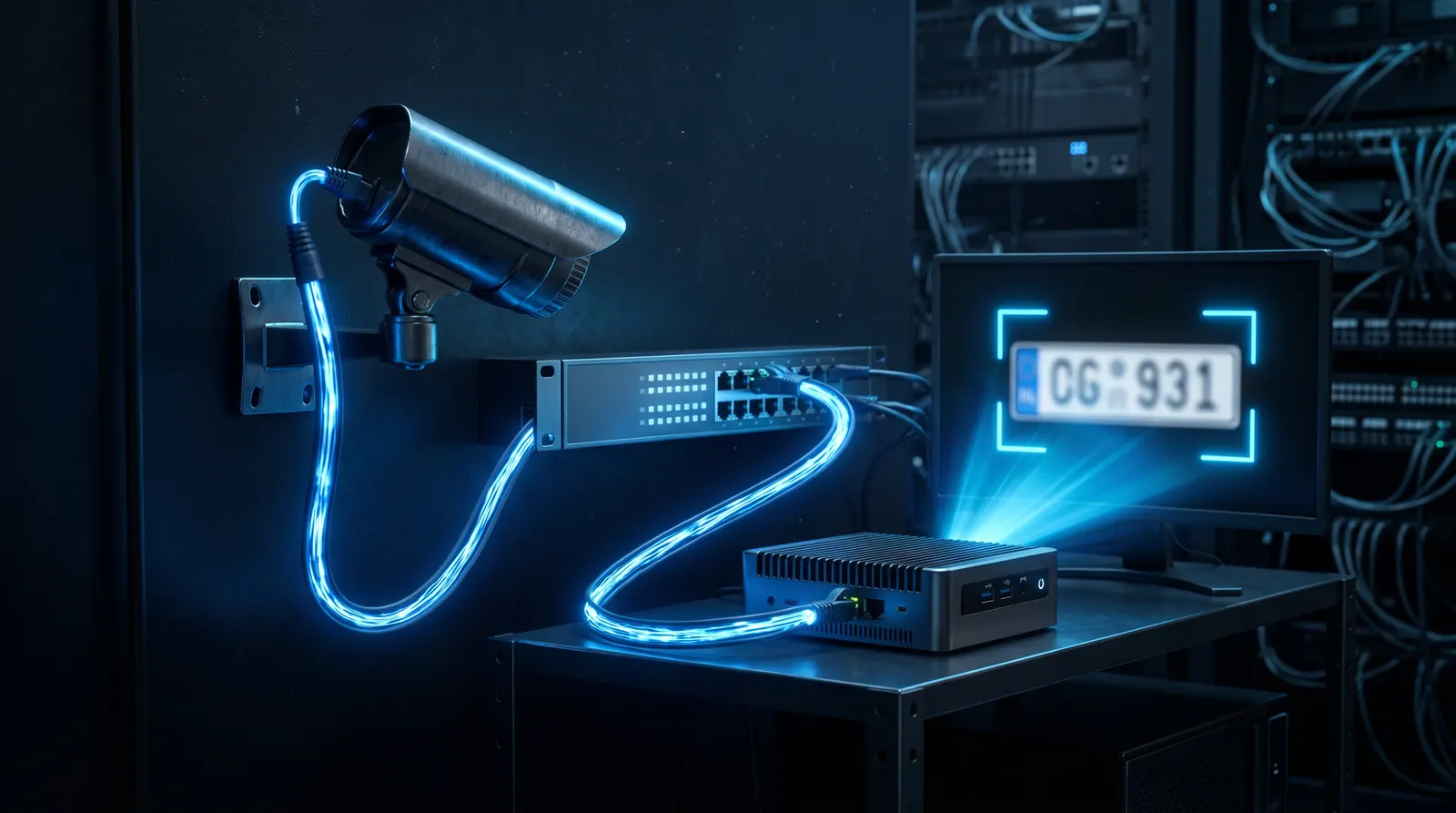
Which Camera Brands Work for LPR?
PlakaNet works with most ONVIF-supporting IP camera brands. Most common and tested in the Turkish market:
Hikvision
Global leader, wide range. DarkFighter series strong for night; ColorVu offers color night vision. 2 MP IR Bullet or Special series suitable for LPR.
Dahua
Hikvision's main rival, good cost/performance. WizMind series AI-enabled; IPC-HFW series suitable for LPR.
Axis
High-end, industrial quality. Q-series durable in harsh weather; supports Motion JPEG and H.264/H.265.
HiLook (Hikvision sub-brand)
More affordable, entry-level. Sufficient for small sites/parking; 2 MP IR Bullet models budget-friendly.
Uniview (UNV)
Rising brand, good price/performance. EasyStar series advanced for night; Tri-Guard series multifunctional.
Other compatible brands
Most ONVIF Profile S cameras (Vivotek, Bosch, Pelco, etc.) can work with the software; but accuracy isn't guaranteed, field testing recommended.
ONVIF Protocol and LPR
ONVIF (Open Network Video Interface Forum) enables IP cameras to communicate via a standard protocol. LPR software pulls RTSP stream to get camera images.
ONVIF profiles
- Profile S: Streaming (most common, video streaming).
- Profile G: Video storage and retrieval.
- Profile T: Advanced video streaming (H.265 support).
For LPR, Profile S or T is sufficient. The software connects to the camera's RTSP URL: rtsp://user:pass@camera-ip:554/Streaming/Channels/101.
Resolution and frame rate
- 1080p @ 25fps ideal for LPR.
- Higher frame rate lets the AI engine evaluate more frames → higher accuracy.
- Very high resolution (4K) increases bandwidth and processing load; balance needed.
Camera Positioning: 5 Golden Rules
Even the right camera gives low accuracy if mispositioned. Key rules:
1. Angle
Camera should face the plate as perpendicularly as possible. Less than 30° off the vehicle axis is ideal. Larger angles distort plate perspective and cause OCR errors.
2. Distance
Plate should be at least 130-150 pixels wide in frame. Too far — unreadable; too close — plate leaves frame. Typical 3-10 meters.
3. Height
Camera height 2-3 meters ideal. Too high — plate shrinks (perspective); too low — vehicle front shadows plate.
4. Lighting direction
Camera shouldn't face the sun directly (backlight). Ideally sun behind or to the side. WDR helps but direction still matters.
5. One lane, one camera
Dedicated camera per lane recommended. A wide-angle single camera on multi-lane roads lowers accuracy. If budget is tight, 2 narrow-angle cameras beat 1 wide-angle.
LPR Camera + Barrier Integration
The camera captures the image, AI software reads the plate and decides. Decision goes to the barrier via:
HTTP/TCP Integration
The software sends HTTP or TCP commands to the barrier controller (e.g., http://barrier-ip/open?relay=1). Most modern barriers support this.
Relay (Dry Contact)
Traditional method. Software closes a relay via an I/O card; barrier opens on this signal. Standard on most industrial barriers.
Loop Detector
For safe closing after vehicle passes. Loop detector senses vehicle metal mass; barrier closes safely.
LED Panel Integration
When the plate is read, LED panels show "Welcome 34 ABC 123" or "Access denied". Communicates via TCP/IP or RS232.
Installation Steps
1. Site survey: Camera position, network, existing hardware check. 2. Camera mounting: Correct angle, height, distance. 3. Network configuration: IP assignment, RTSP stream test. 4. Software setup: Install AI software like PlakaNet on Windows device. 5. Camera-recording pairing: Connect camera stream to software. 6. Reading area (ROI) definition: Draw the plate detection region. 7. Barrier integration: HTTP/TCP/relay connection and test. 8. List management: Enter authorized/denied/visitor plates. 9. Test & commissioning: Test in different conditions (day/night/fast vehicle). 10. Training & handover: Operator training.
FAQ
Can I do LPR with my existing cameras?
Yes, with most IP cameras of suitable resolution and positioning. Compatibility and accuracy are tested during site survey.
Which camera brand is best?
Hikvision and Dahua are the most common and tested. Axis for industrial quality; HiLook for budget. The right model depends on need.
Do I need a special LPR camera?
No. Standard IP cameras with suitable specs (2 MP+, IR, WDR) suffice. Dedicated "LPR cameras" may perform better but cost more.
How long does installation take?
1-3 days including camera + barrier + integration. Plus software setup and testing.
Conclusion
Camera selection is as important as the software in LPR. PlakaNet measurements under suitable conditions have reached roughly `99%`; this is not guaranteed for every site and must be verified with the actual camera stream during acceptance testing.
PlakaNet is an AI-based, offline LPR system compatible with common brands like Hikvision, Dahua, Axis, HiLook and Uniview. Try it free for 7 days with your existing cameras or request a setup-included system quote.