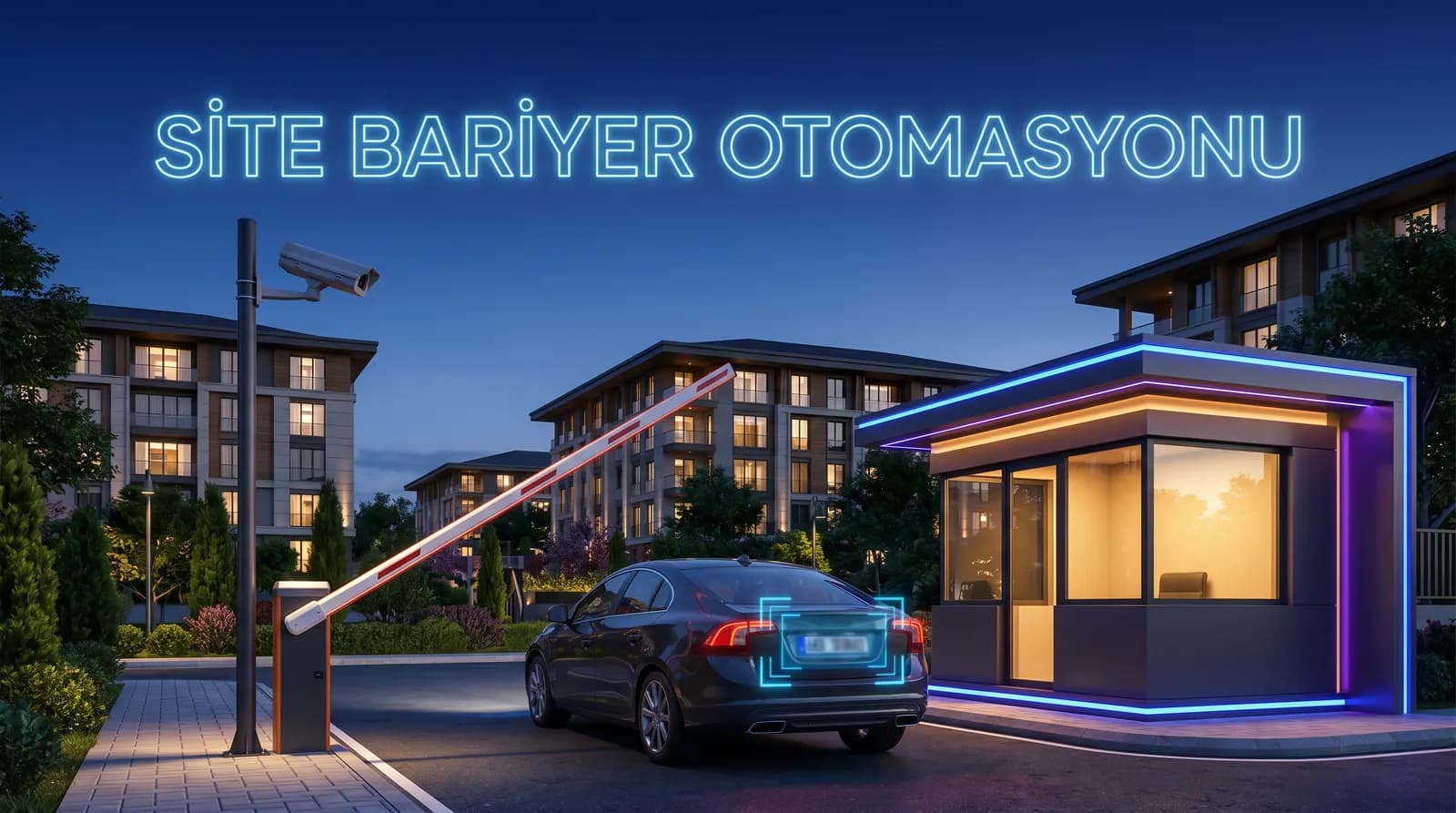
Plan license plate recognition and barrier automation for residential parking. A practical guide to setup, privacy, operations and measurement.
Queues at the entrance, lost remotes and the need to check who entered at a particular time are not problems that a guard should have to solve alone. A well-designed license plate recognition (LPR) system reads a vehicle plate from the camera image, checks an access rule against a local list and, when the rule is satisfied, sends a command to the barrier or gate. Reliable access control is not created by buying a camera alone. The traffic flow, exception procedure, image quality and data-retention decision must be designed together.
This guide gives property managers, facility teams and security leads a practical framework for planning barrier automation at apartment buildings, gated communities and residential sites. The goal is not indiscriminate tracking; it is to manage a real access requirement in a proportionate, secure and explainable way.
Why Combine LPR with a Parking Barrier?
Cards, remotes and manual checks require physical distribution, accurate access lists and staff attention at busy times. LPR automates part of that workflow:
- A camera captures the vehicle at the passage point.
- AI locates the plate and OCR turns it into text.
- The software compares the read plate with the property’s authorized-vehicle list.
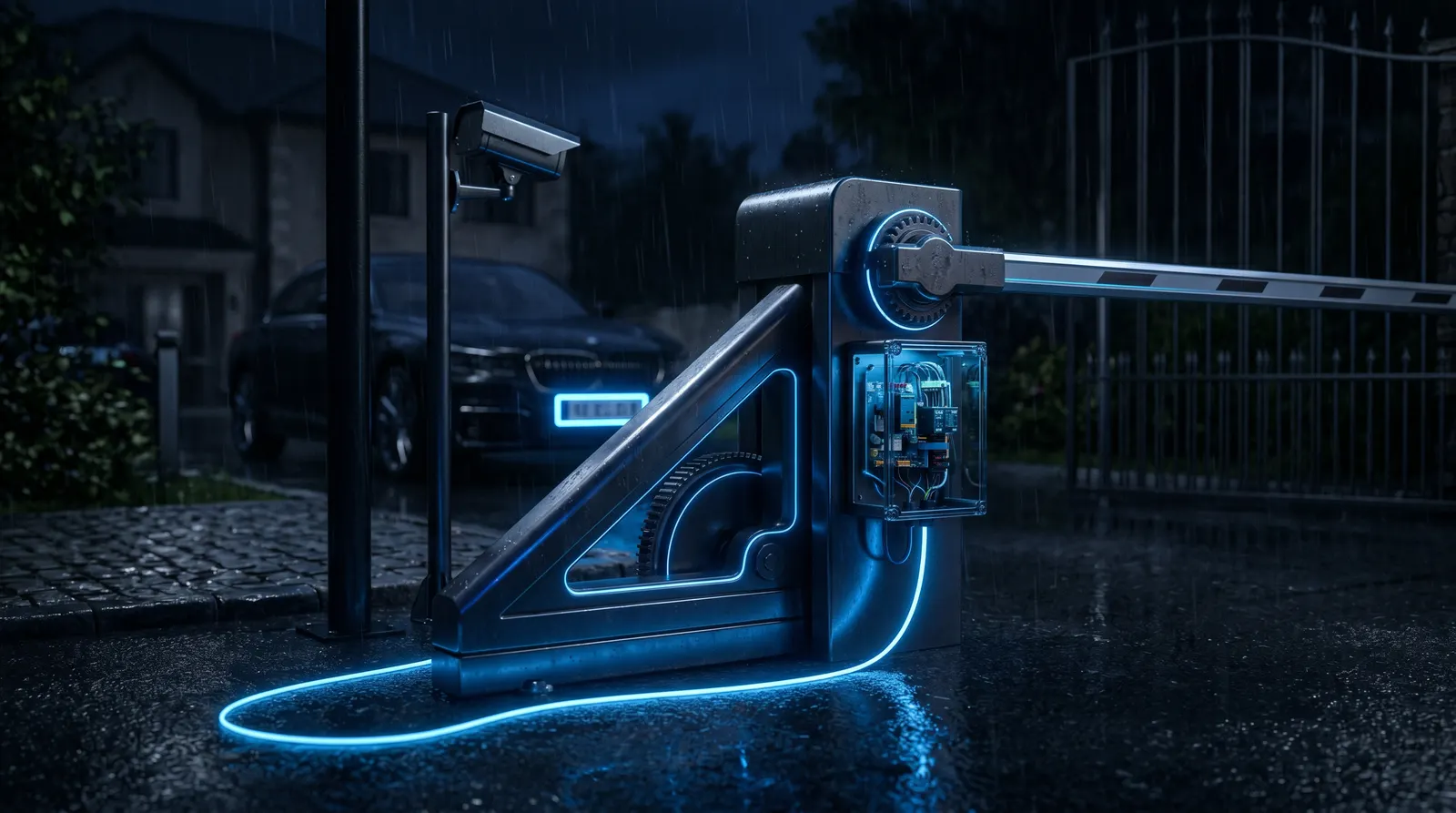
- If the configured rule is met, an HTTP/TCP trigger can be sent to the barrier, gate or LED display.
- The event is logged with time, camera and rule outcome.
Residents gain a faster, touch-free entry experience. Management gains a clear decision trail: “Was this vehicle authorized to use this entrance under this rule?” For vehicles outside the list, define a safe default and a clear route for human review before go-live.
Start with the Operating Scenario, Not the Product List
Before requesting technical proposals, document these questions:
- Are entry and exit lanes separate? Can cars straighten before they reach the barrier?
- Who updates the authorized-vehicle list, and what approval is required?
- Who handles an unread plate, an open barrier, a fire event or a power loss?
- Which control input and protocol does the existing barrier support: dry contact, HTTP or TCP?
- How long will events be retained, and who reviews that decision?
Answers turn an abstract “smart parking” request into an implementable workflow. For a small residential site whose only objective is smoother resident entry, one correctly positioned camera, an approved vehicle list and a documented manual fallback can be more valuable than a long feature list that is never used.
Four Layers of a Reliable Deployment
1. Lane design and camera image
The camera must see a plate sufficiently large and as close to front-on as practical. A capture point where a car is still turning, where the sun points directly into the lens or where another vehicle hides the plate cannot be fixed in software. Assess daytime, night, rain and peak traffic separately during the site survey. The companion camera-selection article should cover the angle and image-quality checklist in detail.
2. Local decision and automation
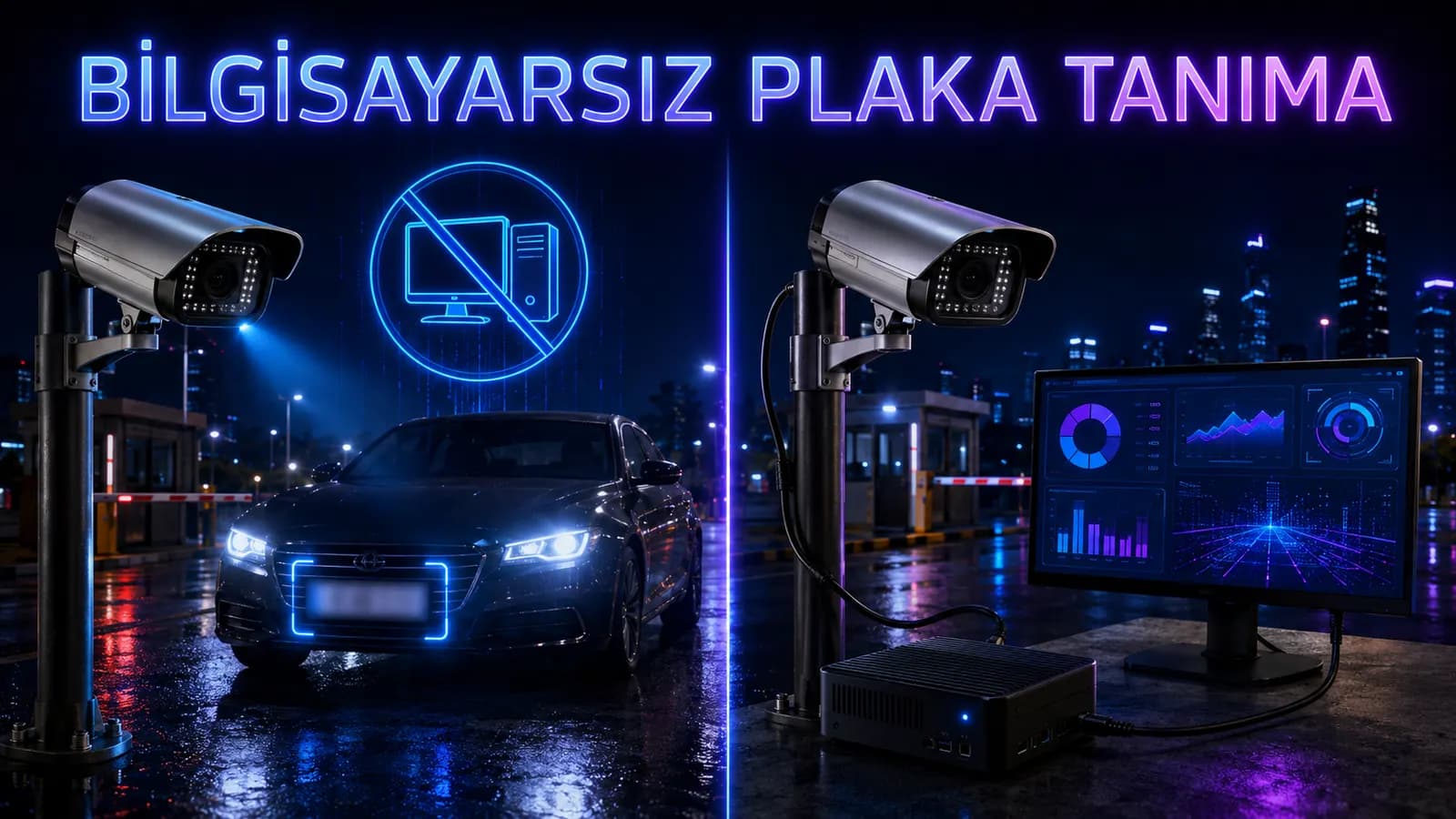
PlakaNet can receive RTSP/HTTP IP-camera streams or USB-camera images. It performs plate detection and OCR locally on Windows, then can trigger automation equipment through HTTP/TCP when a configured rule applies. This on-premises approach helps keep reading, decisions and logging available within the site when the internet is unavailable. Internet may still be required for matters such as application updates or license validation, so the intended behavior during network loss must be tested on site.
3. Human intervention and safe defaults
Automation does not eliminate procedures; it makes them more predictable. Write down at least three flows for the security team: how to verify an unread plate, how to handle a barrier that does not open and how the barrier is operated during an emergency. Decide in advance how an uncertain or unauthorized event is documented under the property’s own policy.
4. Logs, reporting and maintenance
An event log is more than a search screen. A weekly review can reveal recurring unreadable plates, peak entry periods and device warnings. PlakaNet supports event logs, CSV/Excel reporting and configurable retention/cleanup tasks. Assign an owner for routine checks of the lens, IR lighting, network link and barrier trigger.
Privacy and Data Governance: Keep Plate Data Proportionate
A plate may constitute personal data when it can be linked to an identifiable person. System selection therefore includes more than “where does the data go?” It should also answer why data is collected, who can access it and when it is deleted. This is not legal advice; the controller for each property should assess its own processing with qualified legal counsel.
- Purpose limitation: Use data needed for access control, not unspecified secondary purposes.
- Transparency: Plan visible notice and a route to the detailed privacy information.
- Access control: Restrict log access to people who need it for their duties.
- Retention: Define a justified, limited period for events and images, then review it regularly.
- Local processing: PlakaNet’s default on-premises processing keeps images on the device or property network. It can support a data-minimization strategy, but it is not by itself a legal-compliance guarantee.
A 30-Day Go-Live Plan
In week one, observe the entry and exit flow. Record lane dimensions, vehicle speed, sun direction, night lighting and the existing barrier interface. In week two, test the framing and automation trigger without actually opening the barrier. Collect samples at different times and with different vehicle types.
In week three, run a controlled pilot with a small group of residents. Do not label every failed read as “software error”; classify the cause as angle, glare, dirt, speed, occlusion or network delay. In week four, approve the access-list owner, the operator procedure and the retention setting in writing. Only then move to full operation.
Measure the Outcome That Matters
One advertised accuracy figure is not your site’s result. Track these local measures instead:
- percentage of correctly recognized first reads;
- number and cause of operator interventions;
- time from automation command to physical passage;
- average vehicle wait at peak times;
- time to complete and approve access-list changes;
- confirmation that records past retention are cleaned up.
PlakaNet is a local system whose measurements under suitable conditions have reached roughly 99% recognition. Camera placement, lighting, hardware and plate condition determine the result, so use your own pilot data when making a purchase decision.
FAQ
Will LPR work with my existing barrier?
Compatibility depends on the barrier controller and connection method. Verify the trigger input, safety circuit and supported interfaces such as HTTP/TCP during the site survey; never assume compatibility.
Does the system stop when the site internet fails?
With a local architecture, reading, rule evaluation and logging can continue on the on-site device. The power supply, network switch and barrier-control connection still need a tested outage plan.
How long should we keep plate records?
There is no universal number of days. Evaluate the access-control purpose, incident-investigation need, privacy notice and applicable law together. Prefer a documented, limited and regularly reviewed period over indefinite retention.
Does PlakaNet provide POS or online payments?
No. PlakaNet’s paid-parking mode provides time-based fee calculation and receipt workflows. Online payment and POS integration are outside the current product scope.
Conclusion
Good residential LPR is more than a barrier that opens. It combines the right framing, a local and explainable rule, safe exception handling, proportionate retention and routine maintenance. Measure the site first, run a short pilot and let the decision rest on evidence from your own entrance. Use this checklist to assess whether PlakaNet’s offline operation, local Windows processing, authorized-plate management, HTTP/TCP automation and reporting fit the property’s needs.
Related solution: Residential & Apartment Plate Recognition System